Faster access
Get started sooner.
Because getting access to vehicle data solutions should feel clear, efficient, and easy to manage. With automated contracting, business customers can move through the contracting process for eligible data-as-a-service solutions online, reduce manual effort, and get started faster for a shorter time to market.
Get started sooner.
Reduce paperwork and manual coordination.
Complete the process online.
The process guides you step by step, from setting up your ONE Business ID to contract signing and onboarding. Each step is designed to be clear, efficient, and easy to follow.
To use the digital contracting process you need a ONE Business ID. It gives your organization its own unique access to Volkswagen Group’s digital services for business customers. For digital contracting process, you need to verify your organization and upload proof of your authority to act on behalf of your organization. For your support we have prepared a How-To that helps you complete each step successfully, avoid common pit-falls, and have the necessary documents ready before you start.
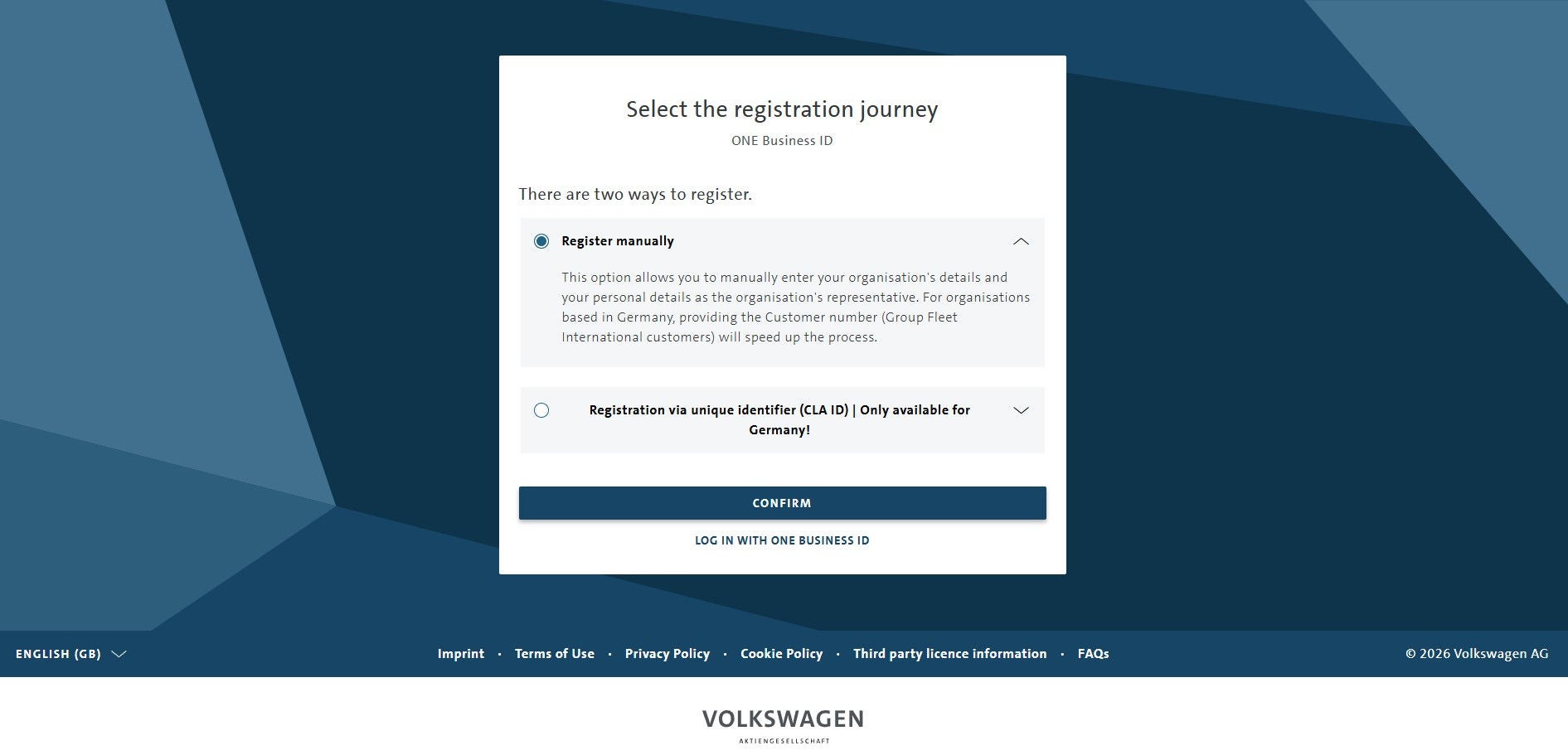
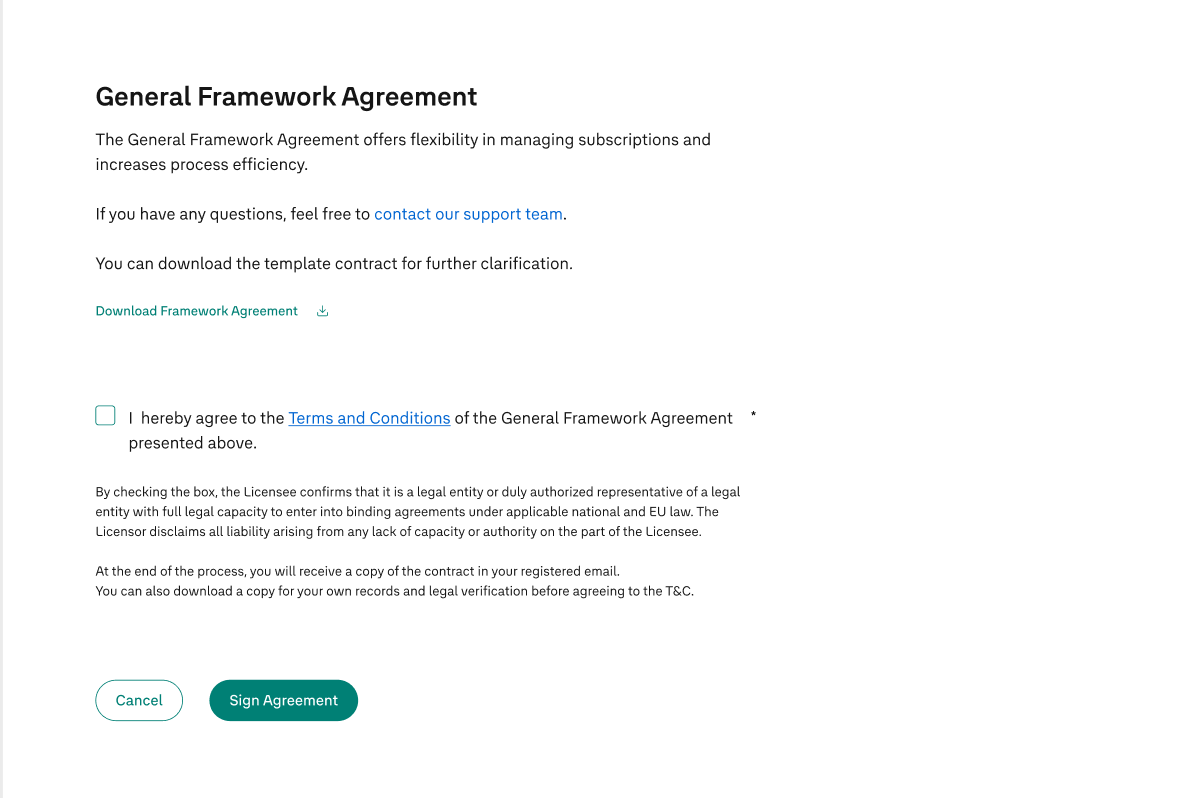
Once you have the ONE Business ID, you can log-in to the Data Hub. First, sign the Framework agreement, which is the basis for all subscriptions that you sign once. You will receive a copy of your contract by e-mail from Documill.
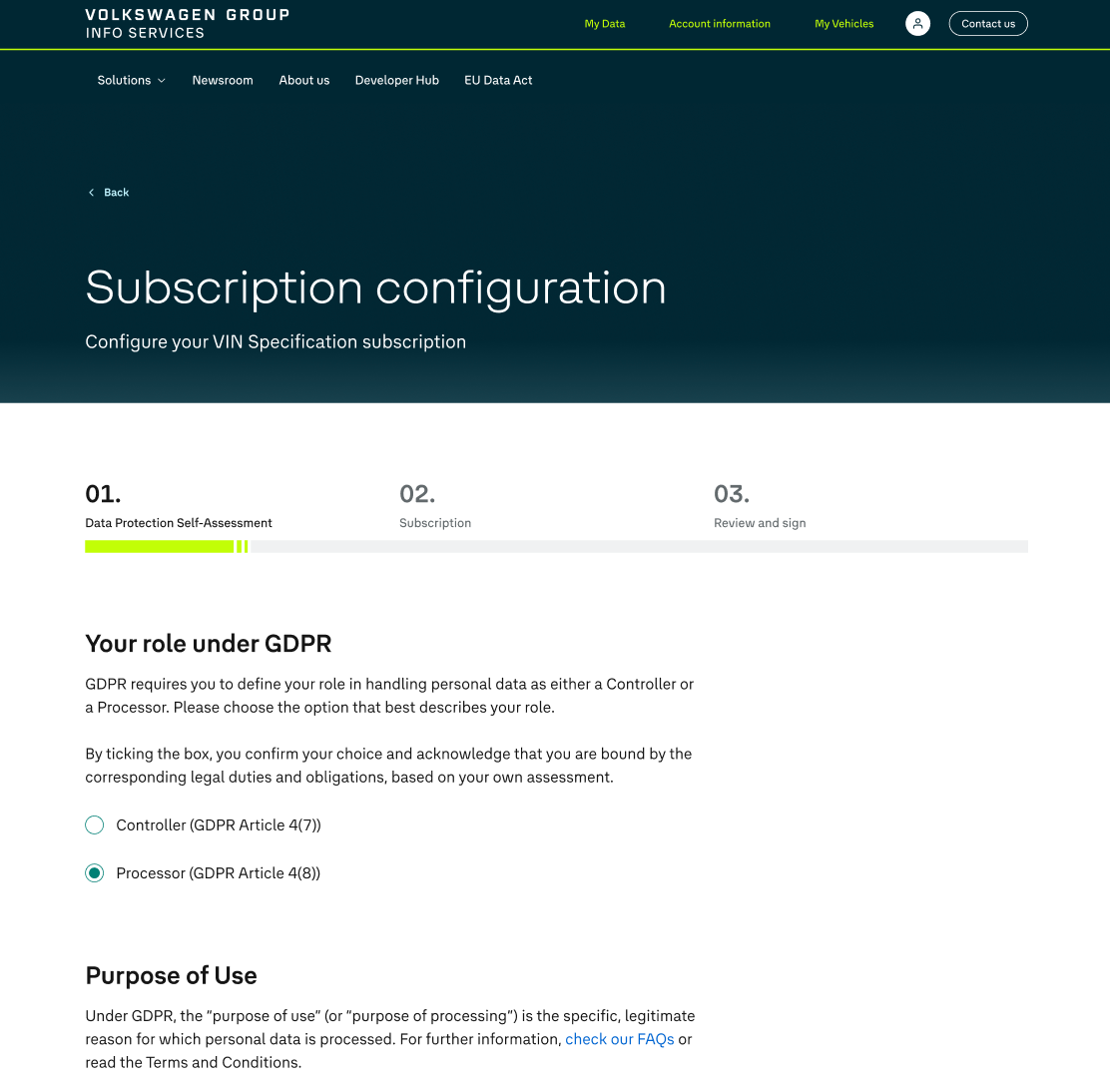
The subscription of your data solutions consists of three steps:
A) Data Protection Self Assessment
GDPR requires you to define your organization´s role in handling personal data. You can select between Controller or Processor. Choose the option that best describes your role. (Find more information about GDPR roles here: Art. 4 GDPR - Definitions - GDPR.eu )
B) Specify your contract details
Select a Purpose of Use for which you want to process the data, then select your Business Storage Period. You can choose between 24-hours storage and 12-month storage.
C) Review and Sign
You agree to the Terms and Conditions and with a on “Activate Subscription” you are successfully subscribed. You will receive a Documill Link by mail with your signed contract.
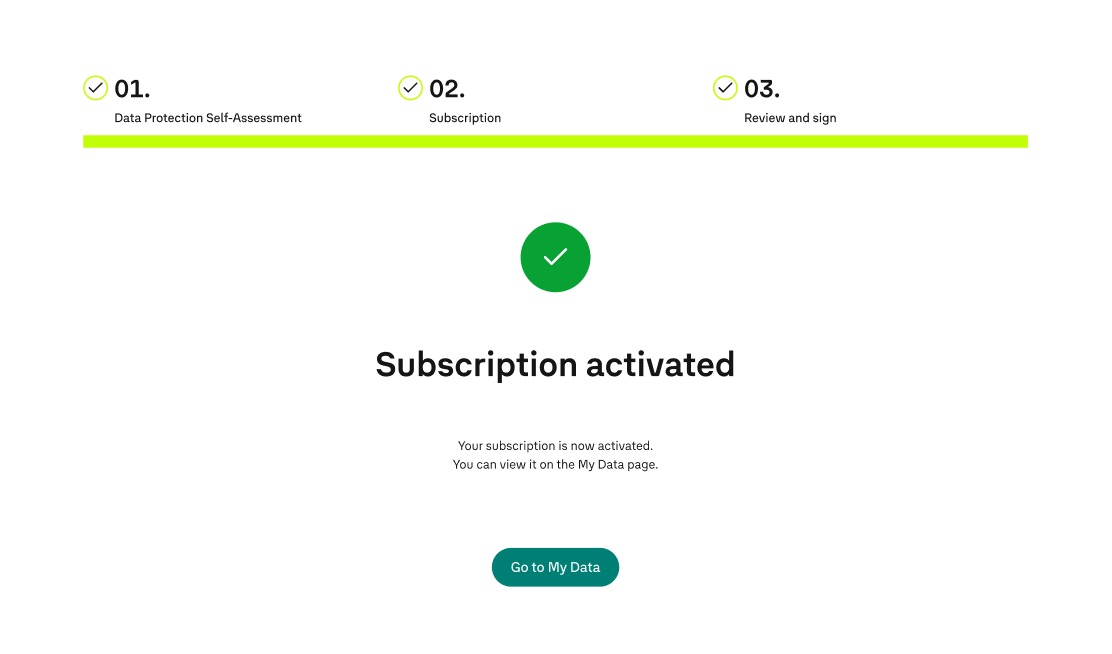
Our Onboarding Team will get in touch with you. Your Test Period begins once you receive the API Key and other details by e-mail. The Test Period is a 4-week free trial to explore our data.
Before starting the automated contracting journey, make sure you:
Standardized contract templates are available to support your contracting process.
To ensure proper guidance and alignment with your specific use case, these documents are provided upon request.
The automated contracting journey is currently available for selected vehicle data solutions – with a continually expanded scope - including:
The overall timeline depends on how quickly all required information and documents are provided. The journey is designed to speed up contracting by guiding you through a structured and standardized process.
The journey is designed for business customers who can integrate and process vehicle data via APIs and want to access selected data-as-a-service solutions through a standardized digital contracting process.
Not yet. The journey is currently available for selected vehicle data solutions, and the scope will be expanded continuously.
The Framework Agreement has been designed as a standardized set of terms and conditions, so while we can’t negotiate individual terms, we’d be happy to clarify any points or answer questions you may have.
Yes. After signing the contracts and receiving your access details, you can start a four-week free test period to explore the selected data solution. This allows you to evaluate the data solution and en-sure that all technical requirements are functioning smoothly before entering into a full subscription.
Pricing is discussed during the alignment with our Sales team and confirmed as part of the contract-ing process.
Yes, transitioning to the new contract terms is possible. To initiate the process, please reach out to our support team.
Technical onboarding starts after the contracts are signed and you receive the required access infor-mation, such as your API key and onboarding details by email.
Contact our customer support team at gis-customer-success@cariad.technology.